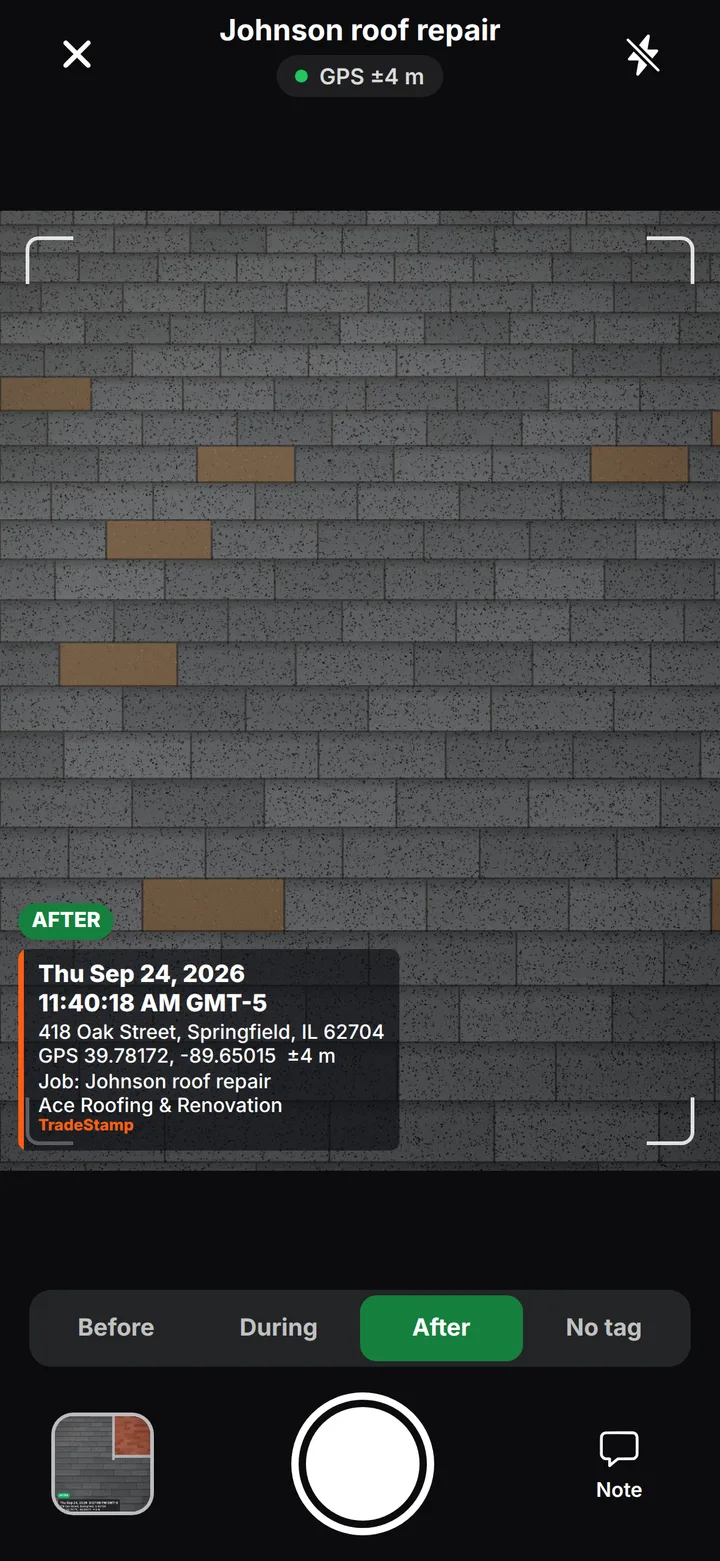
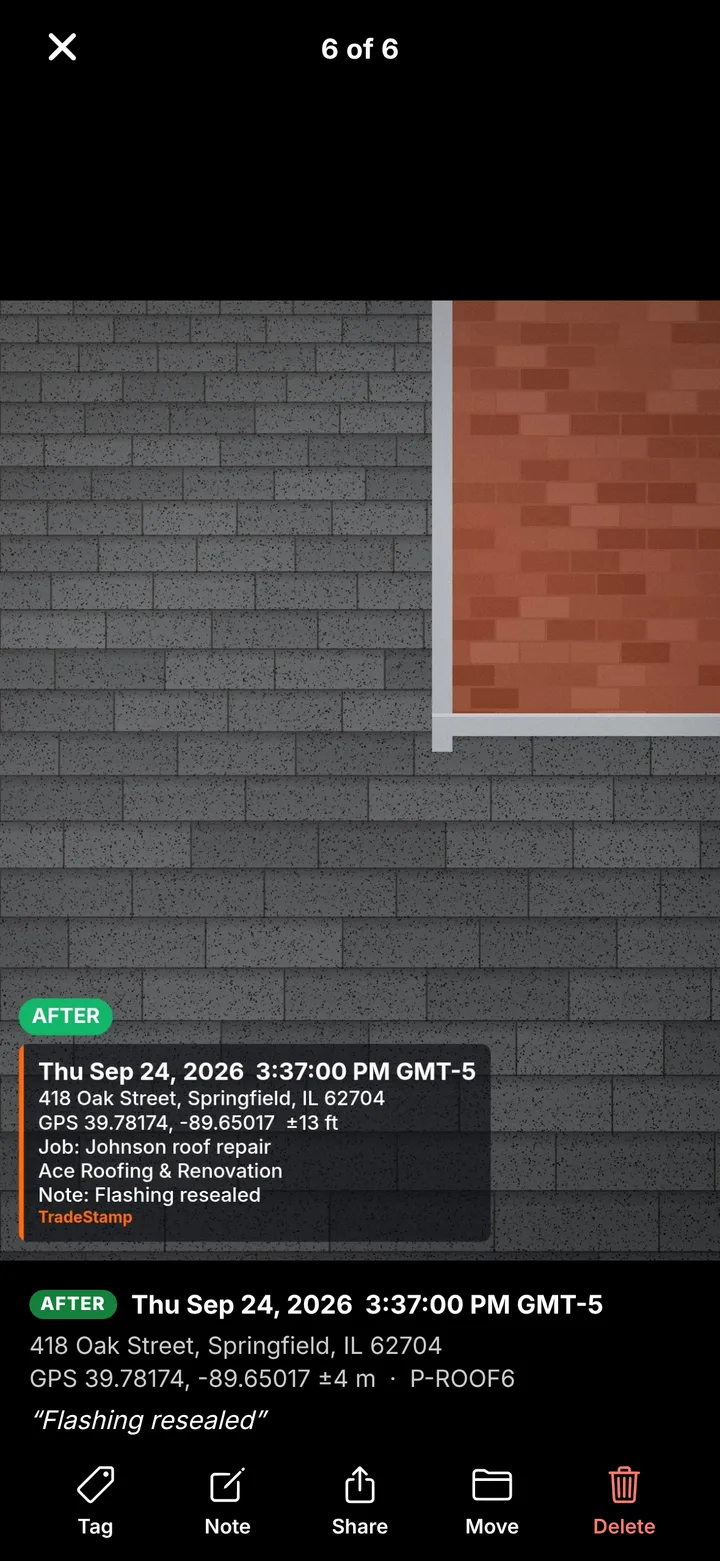
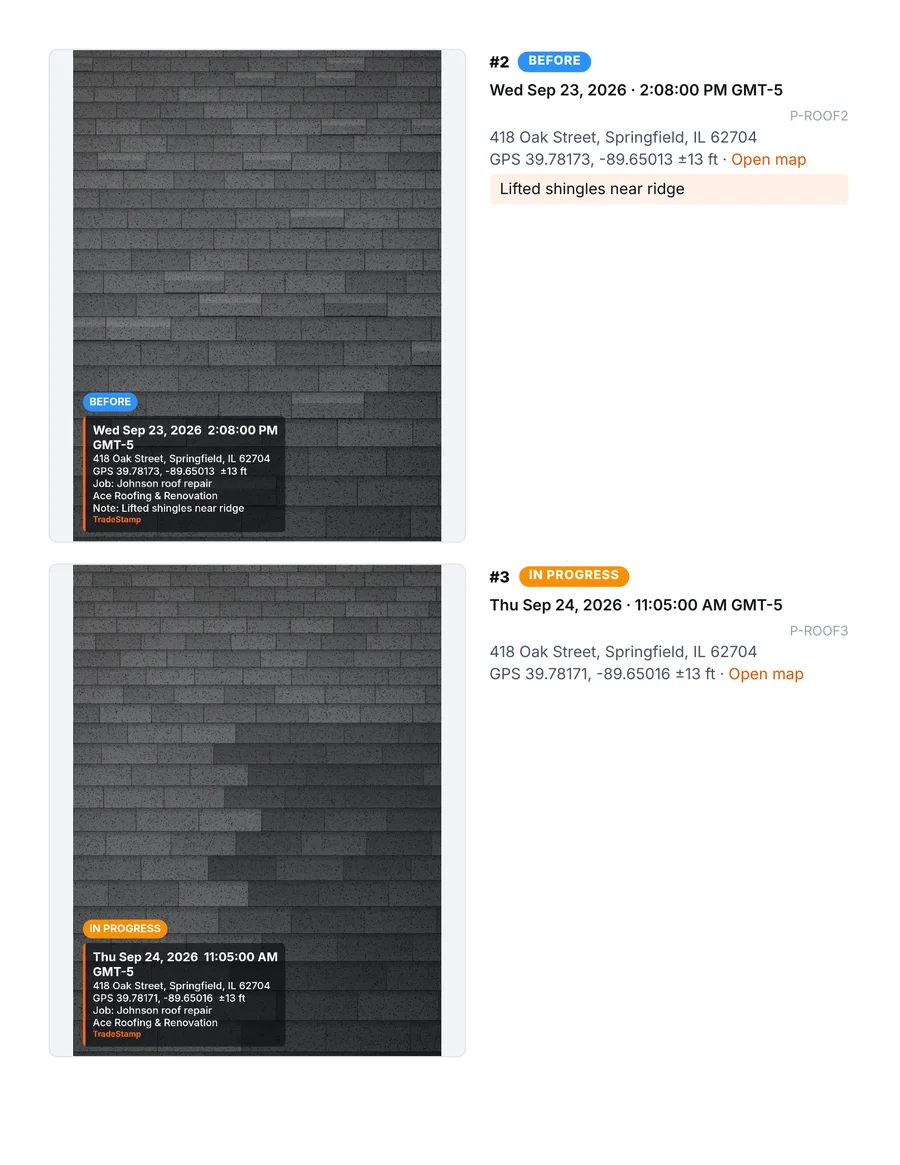
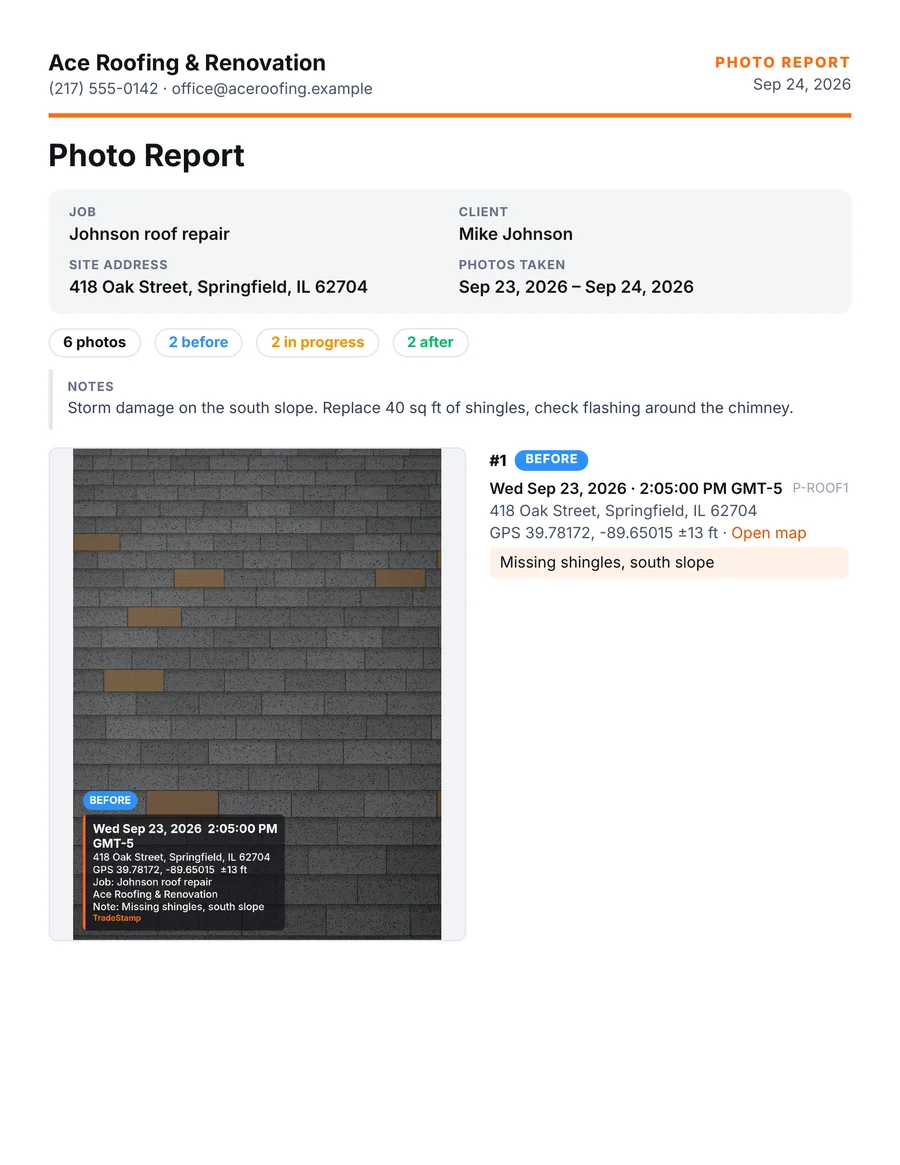
How does the timestamp get on the photo?
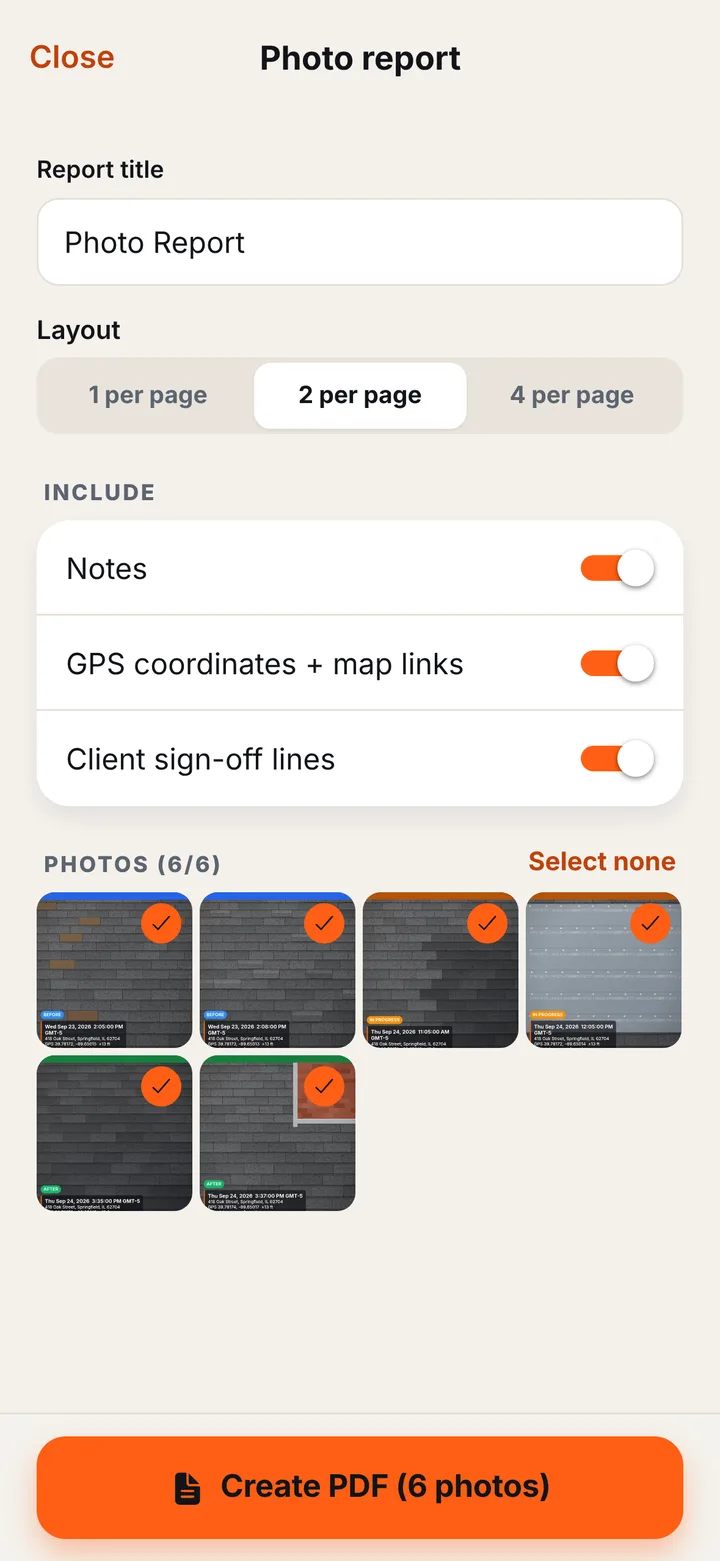
TradeStamp burns the date, time, time zone, street address and GPS coordinates into the photo at the moment you take it, so the stamp stays on when you share the photo. The same details are saved with the photo and printed in your PDF reports.
Can the date or location be changed afterwards?
Not in TradeStamp. The stamp is burned in from your phone’s clock and GPS at the moment of capture, and the app has no way to edit it. You can add a note or change the Before / During / After tag, which never changes the stamp. Every photo also gets a digital fingerprint (SHA-256), printed in the PDF report, so anyone can check that a photo file hasn’t been changed since it was taken. Like any photo, the stamp relies on your phone’s clock and location being right.
Does it work without signal?
Yes. GPS coordinates work offline. The street address needs a connection to look up; with no signal the photo is still stamped with the time, date and GPS.
Where are my photos stored?
Only on your phone. TradeStamp never uploads your photos. An account is optional and only holds your email so your subscription can move to a new phone. Read the privacy policy.
How do I cancel my subscription?
iPhone: Settings → your name → Subscriptions → TradeStamp. Android: Google Play → profile → Payments & subscriptions → Subscriptions.
I got a new phone. How do I get Pro back?
Sign in to TradeStamp with the same account you used before, or tap Restore purchases while signed in to the same Apple ID or Google account.
Can I get a refund?
Payments go through Apple or Google, so refunds are requested from them: on iPhone at reportaproblem.apple.com, on Android in Google Play → Payments & subscriptions. If you cancel during the free trial you aren’t charged. See the Terms.
Is TradeStamp a CompanyCam alternative?
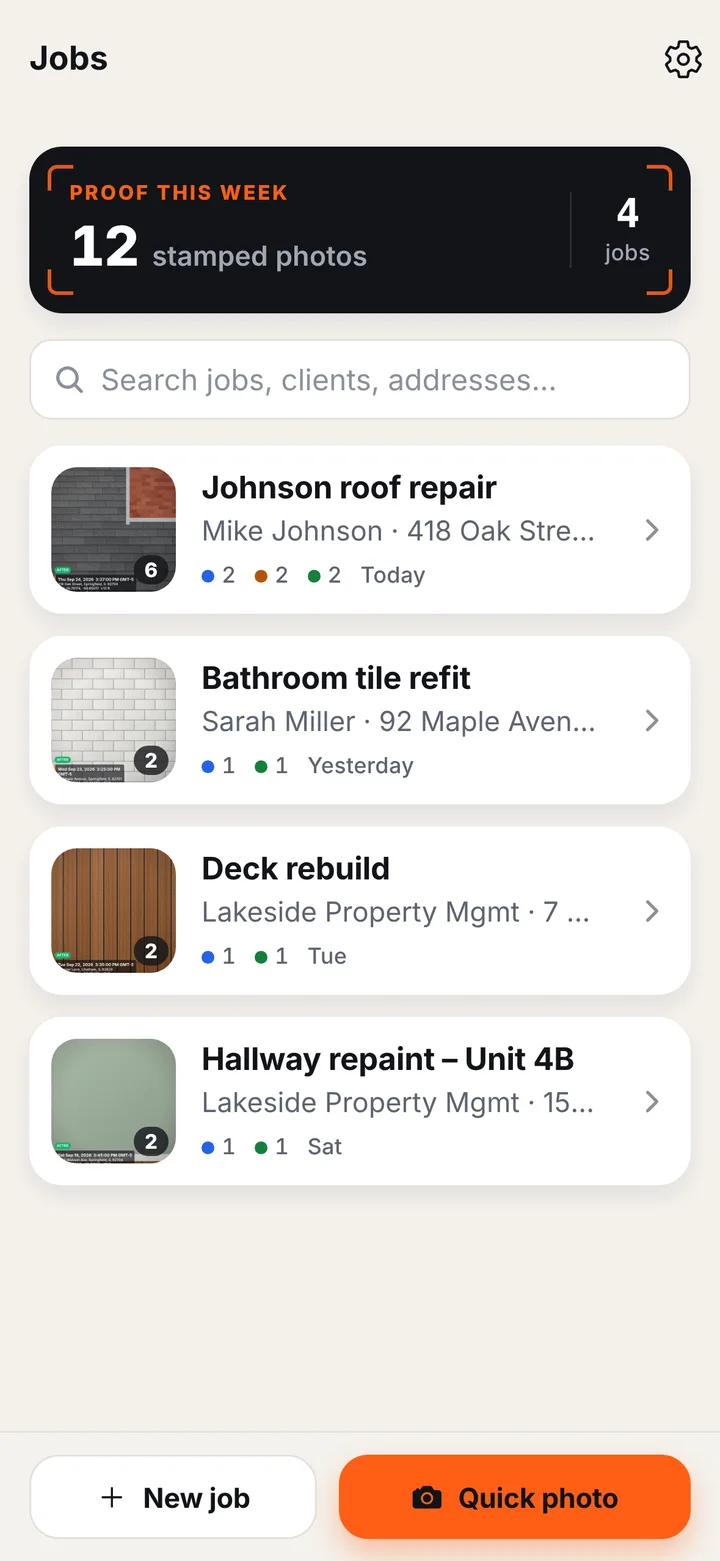
TradeStamp is built for one-person businesses and small crews who need stamped proof photos, job folders and PDF reports without team software or per-user pricing.
 TradeStamp